What Is AWS ECS Express Mode (and When to Use It)
A plain-English guide to Amazon ECS Express Mode: what it is, the three inputs it needs, the infrastructure it builds, its limits, and when to use it.
If you have ever deployed a normal web service on ECS, you know the part that takes the longest is not the container. It is everything around it. A load balancer, listener rules, target groups, two sets of security groups, a task definition, the service itself, auto scaling, alarms, and the networking that ties it together. Express Mode is Amazon’s answer to that. You give it a container image, and it builds the rest for you.
This article explains what ECS Express Mode actually is, the three things you provide, what it creates on your behalf, what it costs, and the cases where you should not use it. It assumes you already know the basics of ECS. If you do not, read What Is AWS ECS first, because Express Mode only makes sense once you have seen how much manual wiring a standard ECS service needs.
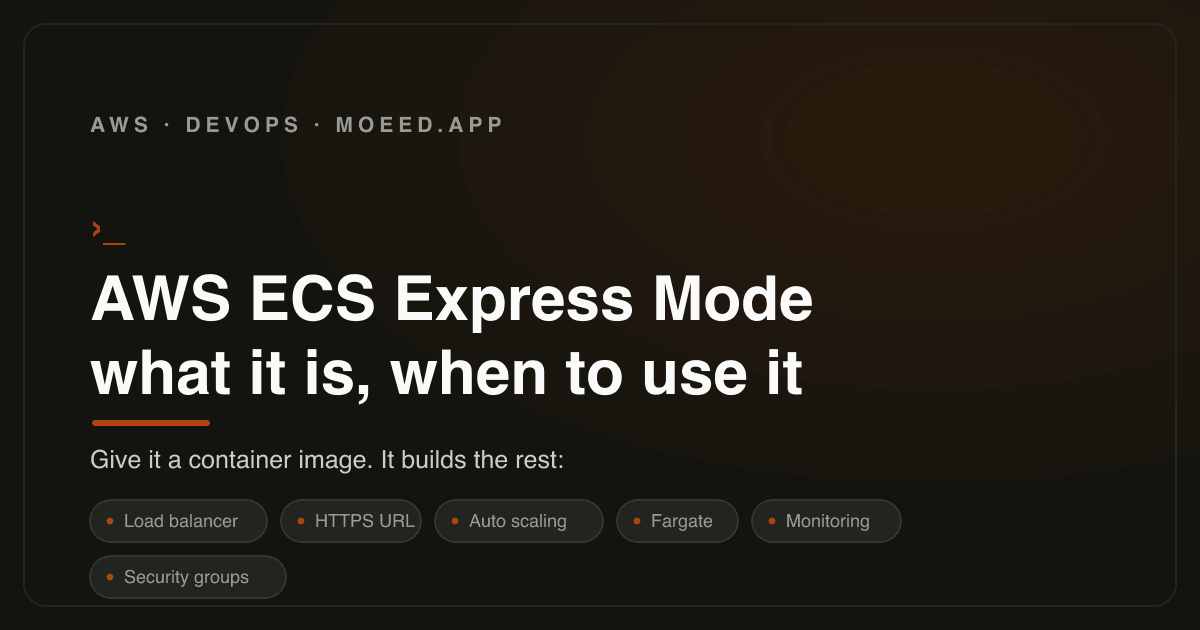
Amazon ECS Express Mode is a way to launch a web app or API on ECS by giving it just a container image plus two IAM roles. It runs the container on Fargate, and it automatically creates the load balancer, HTTPS endpoint, auto scaling, monitoring, and security groups. It is free to use; you pay only for the AWS resources it creates. It is built for standard web services, not for advanced networking or blue/green deployments.
The problem it solves
A normal ECS web service is not one thing. It is a stack of about ten pieces you have to define and connect correctly:
- An Application Load Balancer
- A listener and listener rules
- A target group
- A security group for the load balancer
- A security group for the service
- A task definition
- The ECS service
- Auto scaling targets and policies
- CloudWatch alarms
- The VPC, subnets, and routing around all of it
None of these are hard on their own. The problem is that there are many of them, they have to reference each other correctly, and one wrong security group rule means your app is up but unreachable, with no obvious error. For a team that just wants to put a web service online, this is a lot of work before any traffic is served.
Express Mode removes that work. It does not give you a different container runtime or a new pricing model. It gives you the same ECS, with the surrounding infrastructure assembled for you using AWS’s own recommended setup.
What you actually give it
Express Mode needs three inputs. That is the whole list.
- A container image. The built image of your application, the same kind of image you would push to Amazon ECR or another registry. This is your actual app.
- A task execution IAM role. This is the role ECS uses to start your container: pulling the image, writing logs, and reading any secrets the task needs at launch. If you have run Fargate before, you have seen this role.
- An infrastructure IAM role. This is the new one. It is the permission Express Mode uses to create resources on your behalf, the load balancer and the rest. You are explicitly granting ECS the right to build that infrastructure for you, which is why it is a separate role from the one that runs your container.
The reason these two roles are kept separate is worth understanding. The task execution role is about running your app. The infrastructure role is about provisioning the things around your app. Mixing them would mean your running container has permission to create load balancers, which is exactly the kind of over-broad access you do not want. Keeping them apart is the same least-privilege idea that trips people up in normal ECS, explained more fully in the ECS guide.
What it builds for you
From those three inputs, Express Mode provisions a complete, working setup:
- An Application Load Balancer to receive traffic
- An HTTPS endpoint on an AWS-provided domain name, so you get a working URL without buying a domain or setting up certificates yourself
- Auto scaling that responds to traffic
- Health checks and scaling policies
- Security groups wired so the load balancer can reach the service and not much else
- Monitoring following AWS operational best practices
Two details matter here. First, every resource it creates stays fully visible and editable in your own account. Express Mode is not a black box that hides things from you; it is a starting point you can later adjust by hand. Second, the endpoint can be public or private, so this is not only for internet-facing apps.
It runs on Fargate
Express Mode runs your container on AWS Fargate only. It does not use the EC2 launch type. If the word Fargate is fuzzy for you, the short version is that you never see or manage a server. You hand AWS a container and the resources it needs, and it runs it without you provisioning, patching, or scaling any EC2 instances. The longer explanation, including why “serverless” does not mean there is no server, is in the ECS guide’s Fargate section.
The practical effect is that Express Mode is opinionated on purpose. It picked Fargate so there are no instances for you to think about, which is the right default for the kind of standard web service it targets.
The shared load balancer, and why that is fine
A load balancer is not free, and one per tiny service adds up quickly. Express Mode handles this by placing up to 25 Express Mode services behind a single Application Load Balancer when their networking settings are compatible. It uses rule-based routing so each service stays isolated even though they share the load balancer.
For you this means the per-service cost of the load balancer is spread across many services instead of paid 25 times over. You still get isolation; you just do not pay for 25 separate load balancers to get it. If a service needs its own dedicated load balancer for some reason, that is one of the signs you have outgrown Express Mode, which the next section covers.
What it costs
Express Mode itself has no additional charge. There is no Express Mode fee, no per-service surcharge, and it is available in all AWS Regions. You pay only for the underlying AWS resources it creates to run your application, the Fargate compute, the load balancer, data transfer, and so on. Put differently, what you avoid is the setup work, not the bill: the resources cost what they would have cost if you had wired them up by hand. As always with AWS, confirm current numbers on the official pricing pages before you budget, because prices change and vary by region.
Express Mode versus a normal ECS service
| Express Mode | Standard ECS service | |
|---|---|---|
| What you provide | Container image + 2 IAM roles | Task definition, service, ALB, target group, listeners, security groups, scaling, alarms, networking |
| Compute | Fargate only | Fargate, EC2, or managed instances |
| Load balancer | Created and shared automatically (up to 25 services per ALB) | You create and configure it |
| HTTPS endpoint | AWS-provided domain, set up for you | You configure certificates and DNS |
| Blue/green deployment | Not supported | Supported |
| Service mesh, advanced networking | Not supported | Supported |
| Control over every resource | Full, resources live in your account | Full |
| Best for | Standard web apps and APIs you want online quickly | Anything with custom infrastructure needs |
The honest summary: Express Mode trades configurability for speed. For a normal web service that does not need anything unusual, that is a good trade. For anything with special infrastructure requirements, the trade goes the other way.
When to use it, and when not to
Use Express Mode when:
- You are deploying a standard web app or API and want it online without assembling the full stack by hand
- You have many small services and do not want to pay for or manage a load balancer for each one
- You are prototyping and want a real, production-shaped setup rather than something you will throw away
- You are comfortable on Fargate and do not need EC2
Do not use Express Mode when:
- You need blue/green deployments. Express Mode does not support them. If safe, gradual rollouts are a requirement, use a standard ECS service.
- You need a service mesh or detailed networking control. These are not available in Express Mode, and reaching for them means moving to a standard ECS workflow.
- You need the EC2 launch type, for example for specific instance types, GPUs, or licensing tied to instances.
- Your service needs its own dedicated load balancer with custom listener logic.
A reasonable way to think about it: Express Mode is the fast on-ramp. You can start there, and because every resource it creates stays in your account, you are not trapped. When a service grows into one of the cases above, you migrate it to a standard ECS service rather than rebuilding from nothing.
How you create one
You do not need a special tool. Express Mode services can be created and managed through the Amazon ECS console, the AWS CLI, the SDKs, AWS CloudFormation, the AWS CDK, and Terraform. The console is the simplest place to see it the first time, because the three inputs are presented as a short form rather than a long template. Once you understand the shape of it, moving the same definition into CloudFormation, CDK, or Terraform is straightforward, and that is the right move for anything you intend to keep, so the setup is version controlled rather than clicked together by hand.
Frequently asked questions
Is ECS Express Mode free?
The feature itself has no extra charge and is available in all regions. You still pay for the AWS resources it creates to run your app, such as Fargate compute and the load balancer. You save the setup time, not the running cost.
Does Express Mode replace ECS or Fargate?
No. It is a mode of ECS, and it runs on Fargate. It is a faster way to stand up a standard service, not a separate product. Standard ECS is still there for everything Express Mode intentionally leaves out.
Can I use Express Mode in production?
Yes, for standard web services. It provisions the load balancer, HTTPS, scaling, and monitoring using AWS’s recommended setup. The limits to check before committing are the lack of blue/green deployments and no service mesh or advanced networking.
What is the difference between Express Mode and a normal ECS service?
A normal service makes you define and connect about ten pieces of infrastructure yourself. Express Mode takes a container image and two IAM roles and builds those pieces for you, on Fargate, with a shared load balancer. You give up some configurability in exchange.
Can I move off Express Mode later?
Yes. Every resource Express Mode creates stays in your account and remains editable. When a service needs something Express Mode does not offer, you migrate it to a standard ECS service rather than starting over.
Does Express Mode support blue/green deployments?
No. This is one of its main stated limitations. If you need blue/green or other controlled rollout strategies, use a standard ECS service.
Where to go next
Express Mode is best understood as the simple end of a spectrum whose other end is a fully hand-built ECS service. If the pieces it hides, the load balancer, task definition, security groups, are still unclear, the ECS beginner guide walks through each one with a worked example, and the ECR guide covers where your container image lives before Express Mode pulls it. Read those two and Express Mode stops looking like magic and starts looking like a sensible default for the common case.